- Published on
How to sell any online course using our new Checkout Widget

- Name
- Meiring de Wet
Today we released one of our most anticipated features yet that makes the classic old checkout pages a thing of the past - the Checkout Widget.
It's a drop-in checkout form that can be added to any page or platform with a simple copy-paste - enabling you to sell anything and take payment directly from any page on the web!

One of the biggest challenges online sellers face is the rigid checkout experiences that their platforms offer - lacking in functionality and payment options.
There are hundreds of e-commerce platforms on the web that are tailored to sell some physical or digital product, but the one thing you can be sure of is that the checkouts will lack something critical.
We’re solving that problem with the checkout widget so you can design the perfect checkout journey for your customers.
How does it work?
The widget is a standalone checkout form that can be embedded on any page with a simple HTML code snippet. It supports all of the checkout features, integrations, and payment processors that our custom checkout pages support, which means that you can set up a checkout form for any product and embed it anywhere on your website.
Create your widget in the CheckoutJoy Dashboard, select your products, payment options, form fields, and styling options, and paste the provided code snippet into any website. It works seamlessly with any platform, Kajabi, Thinkific, WordPress, Webflow, Squarespace, Wix - anywhere on the web.
No more rigid checkout pages. No more needing that one more extra click to get your customer to a checkout page. You can now sell right from your landing page, home page, and even your contact page.
You have complete control over your checkout journeys and can design your content and layout the way you want.
Some of the features available are:
- Payment Methods - offer a vast selection of payment options your customers know and use. Offer Klarna, iDeal, Google Pay, Apple Pay, SEPA Direct Debits, Afterpay, and many more and sell on platforms like Kajabi, Thinkific, Teachable and Kartra.
- Multiple currencies & automatic currency conversion - sell in any currency and offer real-time currency conversion to your customers.
- Automatic sales tax calculations & invoices with Quaderno
- Custom form fields - customize the information you want from your customers and create custom fields to get the most critical information at checkout.
- Coupons - offer fixed amounts or percentage discounts.
If we say that you can sell anything, we mean anything.
- You can sell your Kajabi courses and accept crypto payments with Coinbase.
- You can sell your Thinkific courses in Rands with Paystack.
- You can sell digital products like ebooks straight from CheckoutJoy.
- You can even combine carts from different platforms - sell your Teachable course with a WooCommerce book as an order bump.
Set up your widget, link your products and embed it on a page - it’s that simple.
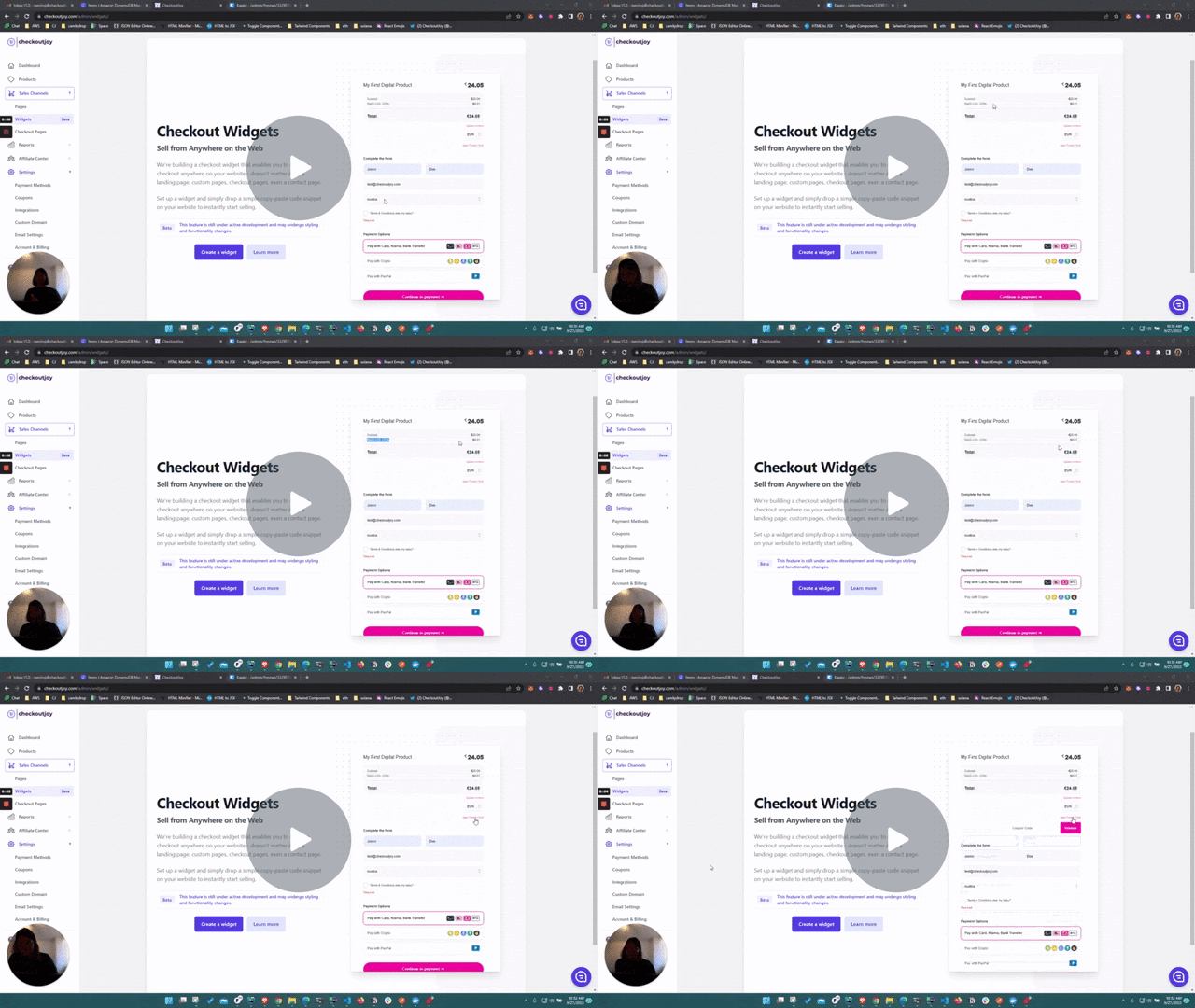
Here's a quick run-through on how to set one up and embed it on a Kajabi page - timestamps in the description if you want to skip to a specific chapter.
Checkout Widget run-through & demo - Watch Video
Let me know what you think at hello@checkoutjoy.com.